
New here? Start here
How Dorm Chefworks
Dorm Chef helps you cook real meals in a small kitchen, with the fridge and microwave you actually have. Here’s how it all fits together, in five steps.
Five steps,one small kitchen
-
1
Cook a free recipe
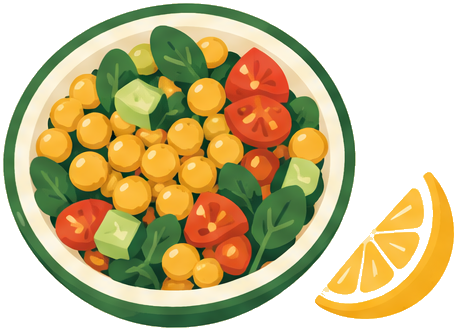
Tell us if you have a fridge and whether you’d like no-cook or microwave. We’ll show you a recipe that fits, with exact amounts, the tools you need and one step at a time.
- No account and no payment
- Two recipes to cook right on the site, three more in a free PDF
- Safety notes in every recipe
-
2
Get your first week
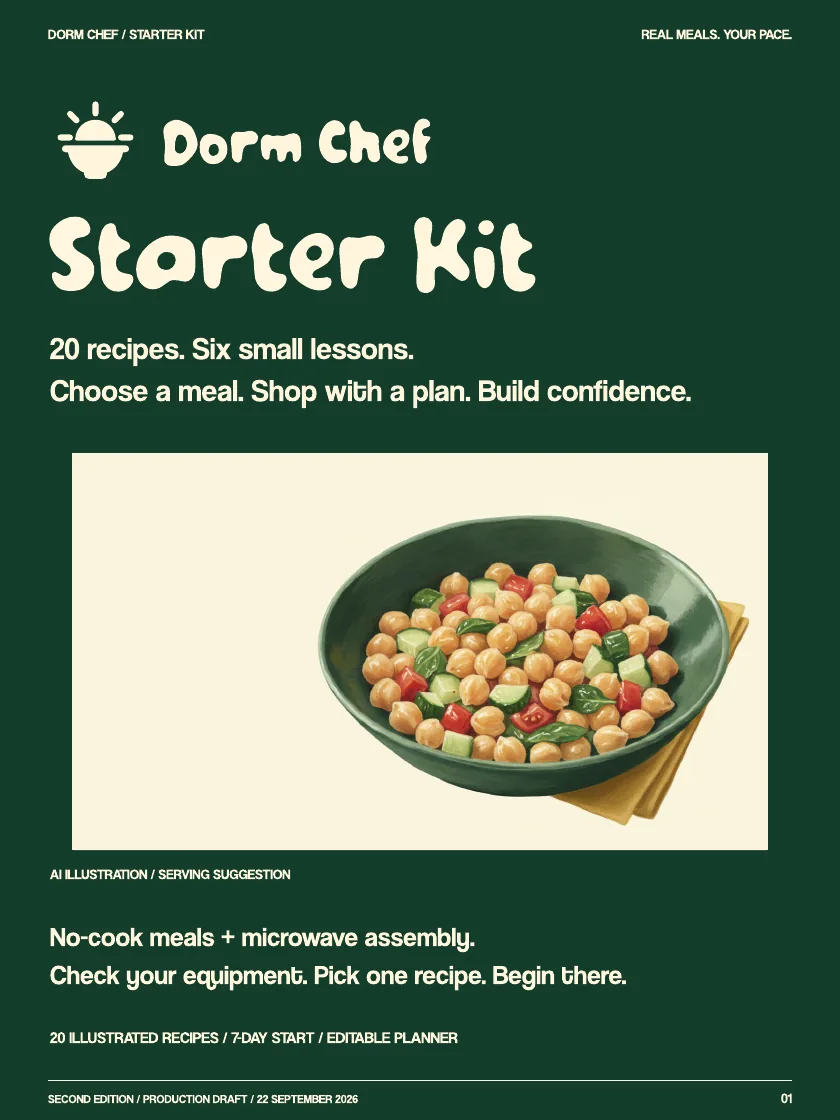
The Starter Kit is your whole first week: 20 recipes, 6 short lessons, a 7-day route and one shopping list that makes three meals. $19, paid once.
- Pay securely with Whop
- Your files live in your Whop account
- Open them anytime from “Find my files”
-
3
Come back on Sunday
Every Sunday we pick one meal. Cook it in whatever kitchen you have, share one thing you learned with #SmallKitchenSunday and tag @thatdormchef.
- Free, always
- We share the best tips, only with your OK
- Be kind and keep it safe
-
4
Share and earn
Like it? Share it. Partners earn 30% of every kit sold through their link, about $5.70 each. Or send us a video of you cooking a Dorm Chef recipe: the first 20 we accept get the kit free.
- Free to join, 18 and older
- No follower minimum
- Always say it’s a partnership

-
5
Meet AI Chef soon
We’re building a cooking companion for the meal in front of you: what to make with what you have, and help when a recipe goes wrong. It isn’t live yet.
- Join the pilot list for the first seats
- Separate from the Starter Kit
- Not for sale yet

Your first week
A simple plan if you’re starting from zero.
Day 1
Cook a free recipe
Pick your setup and cook one meal, step by step.
Day 2
Get your kit
Open START-HERE and choose your first recipe.
Days 3–7
Follow the route
Shop once, cook three meals, learn one thing a day.
Sunday
Share one lesson
Post your meal with #SmallKitchenSunday.
Good questions
- Do I need an account?
- Not for the free recipes. When you buy the kit, Whop creates your account, and that’s where your files live.
- Do I need a stove or an oven?
- No. Every recipe needs a fridge. Most need no cooking at all, and a few use a microwave you’re allowed to use.
- Is it a subscription?
- No. The Starter Kit is $19, paid once. AI Chef will be a separate, optional monthly plan later.
- I can’t find my files
- Open “Find my files” and sign in to Whop with the email you used at checkout. Still stuck? Email [email protected].
- Can I get a refund?
- Write to us. We review refund requests case by case, and approved refunds go back through Whop.
- Is AI Chef live?
- Not yet. The AI Chef page shows a scripted example. Join the pilot list to get one of the first seats.
Every recipe needs a fridge. Check labels for allergens and follow storage and heating instructions. Dorm Chef doesn’t give medical or diet advice.