


Free week
Beginner
$0 for 7 days
Starts with your first message. Ends by itself, nothing to cancel.
- 3 Beginner recipes a day
- 20 chat messages a day
- 2 fridge photos a day
- Your kitchen, allergy checks and saved meals
AI Chef AI recipe generator for students
Your ingredients, your dorm equipment, one recipe to follow. Tell your AI Kitchen Roommate what you want to use, then cook with step-by-step help.
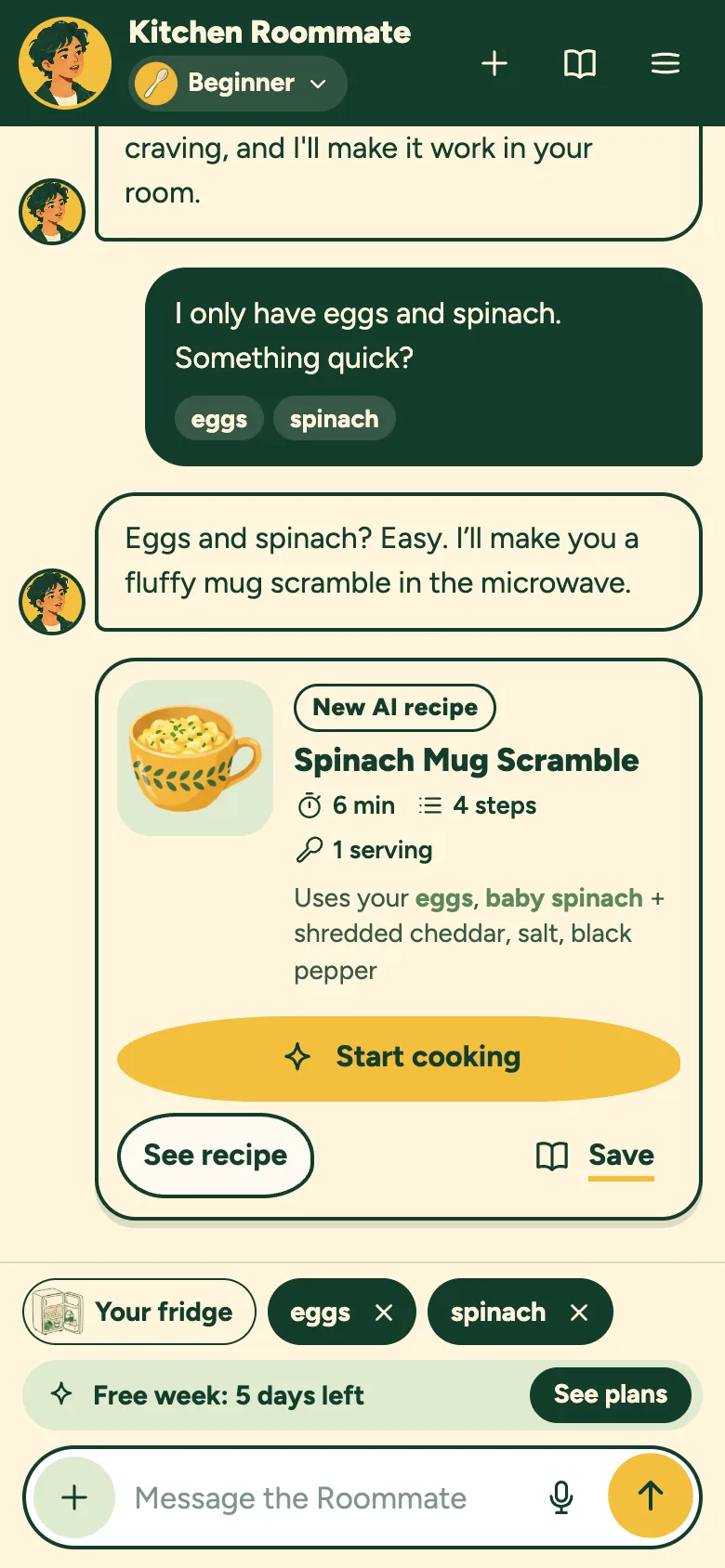
From ingredients to instructions
A real answer from our 7 November app check: cucumber, tomato and olive oil. This no-cook example has not been kitchen-tested; its timing is an estimate.
Fridge, knife, cutting board and bowl. You will also cover the bowl for chilling.
These three ingredients make the base. No salt, vinegar or other pantry ingredient is assumed.
Wash your cucumber and tomato under cold water. Use your knife to cut the cucumber into small, bite-sized rounds or half-moons. Chop the tomato into chunks of a similar size.
Keep your fingertips curled under in a “claw” shape while cutting.
Place the chopped cucumbers and tomatoes into your bowl. Drizzle the olive oil over the top.
Cover the bowl and place it in your mini fridge for about 3 minutes. The vegetables should be cool to the touch and coated with oil.
Eat it right away for the best crunch, or keep it covered in the fridge for up to one day. Keep refrigerated food at 40°F / 4°C or colder.
Four steps from your fridge to a meal. About a minute to set up.
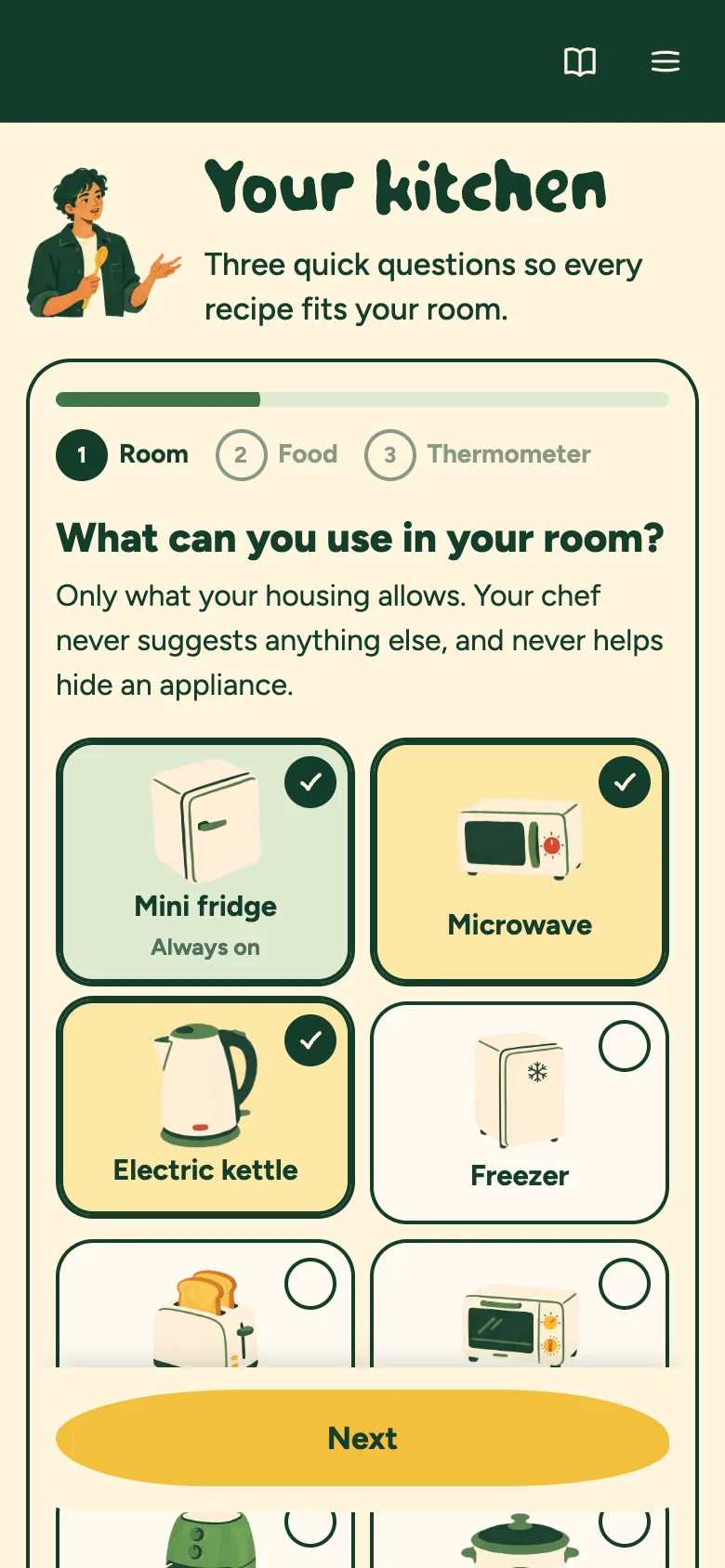
Tick what you can use, like a mini fridge, a microwave or a kettle. Add allergies and what you don’t eat.
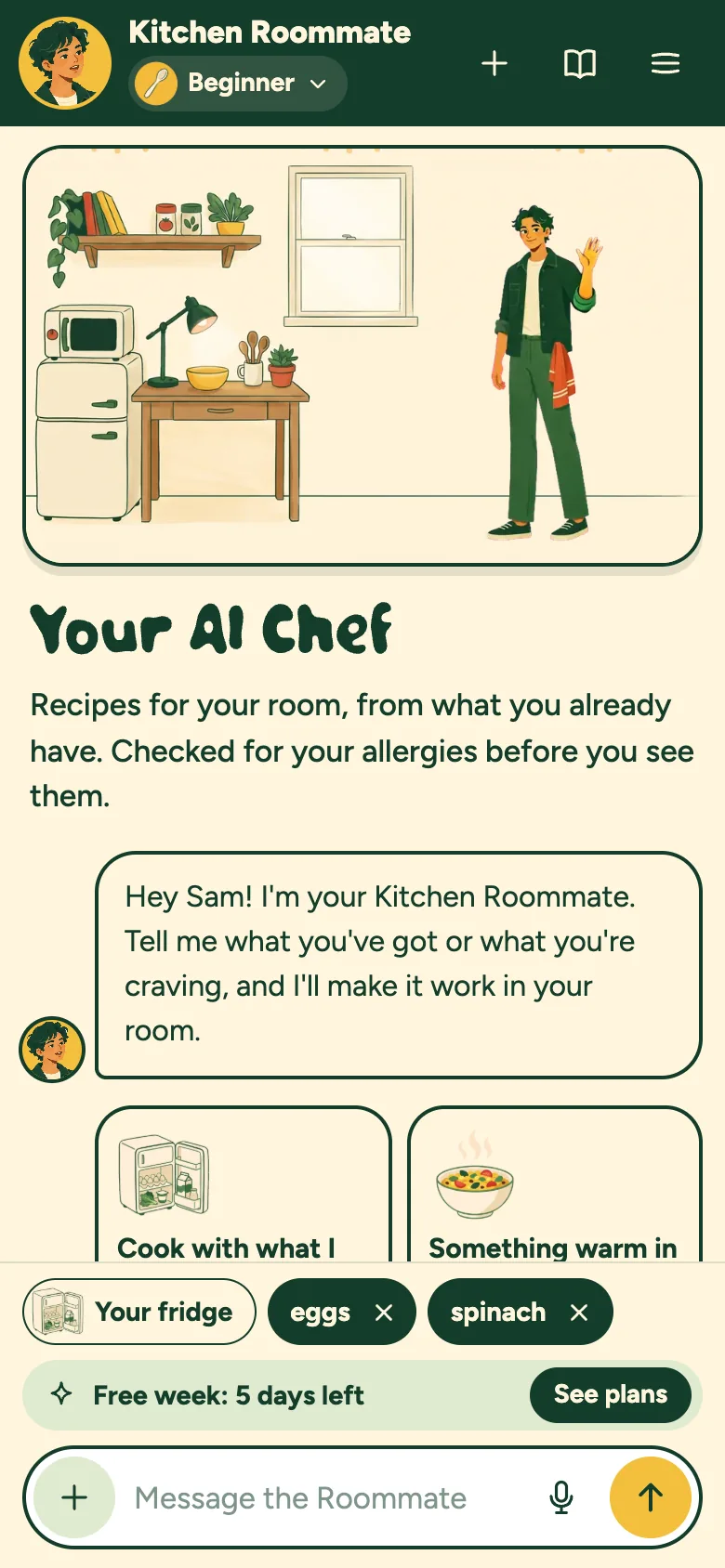
Type it like a text, tap the ingredients, or snap a photo of your fridge.
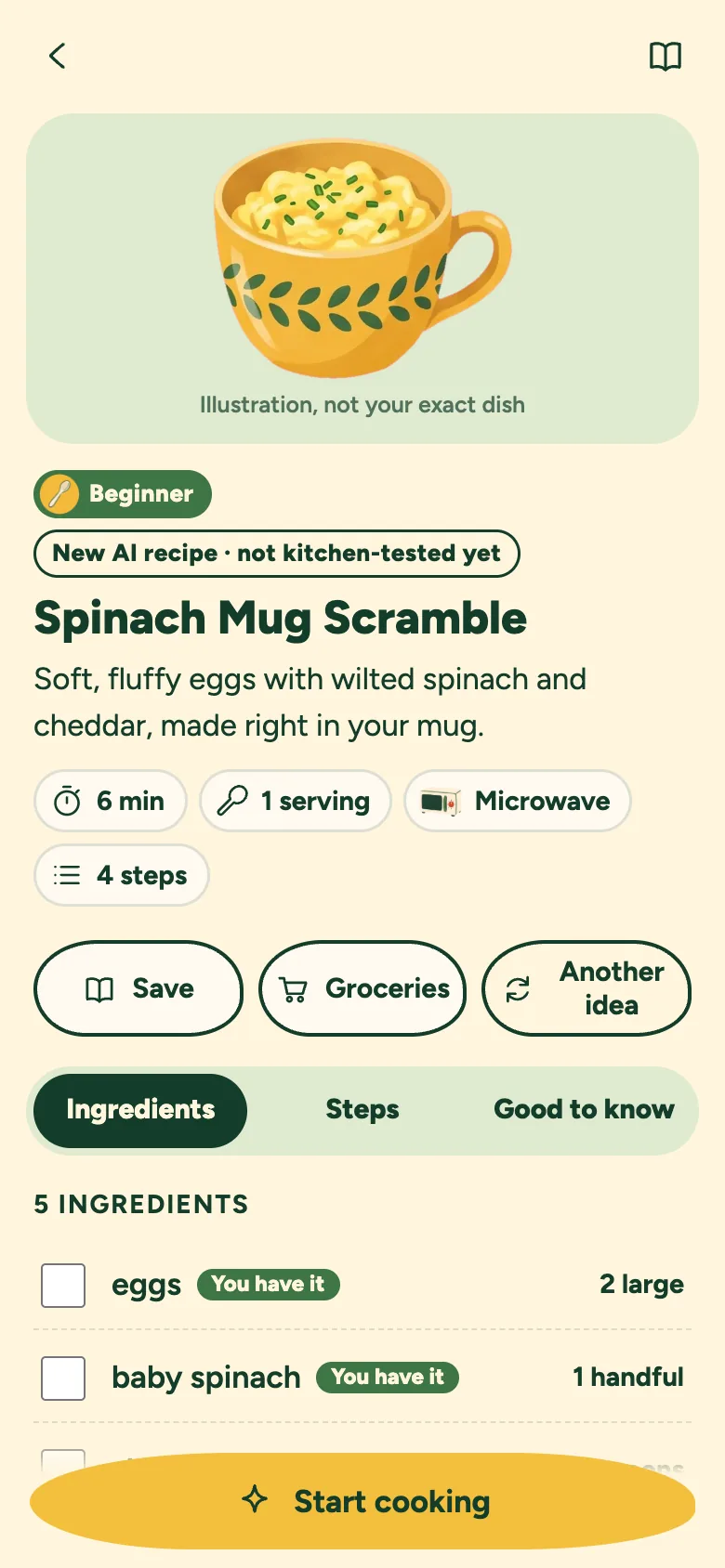
Only your appliances, built around your ingredients, checked for your allergies before you see it.
Big steps, timers, read-aloud, and photo checks when you’re not sure.
Keep the base to your list. Extra ideas appear separately, if you want them.

Recipes are checked against your selected appliances. Follow your residence rules.

Code checks your saved preferences. Always check the actual ingredient labels too.
Calculated from food data and estimated ingredient portions. Your actual brands and amounts can differ.

One big step at a time, with timers and read-aloud.
Snap your fridge to list ingredients, or a step to ask what’s next.

Keep the recipes you like, rate them, cook them again. Always free.

A two-minute lesson unlocks raw meat and fish, with a safe temperature on every recipe.
Same Roommate, more or less help. Switch any time in the app.
Read all the steps before starting. Make-ahead recipes can need extra chilling or resting time, even when preparation is short.

First meals, fast. A few steps, extra hand-holding, about 20 minutes or less.
In the free week, Home Cook and Master Chef


Make it better. Smart swaps, flavor upgrades and one new technique each time.
In Home Cook and Master Chef


Full creativity. New dishes, restaurant-style plates, and why each one works.
In Master Chef
Switch levels to see how the answers change. This example is scripted. The real chat is in the app.
Open the real chat

You
Chickpeas and a fridge,what could I make?
Your AI Chef
Let's plan a no-cook bowl.What else do you have?
Ask about your next meal
Camera off
Photo checks are in the app
This example can’t open your camera
In the app, a photo goes only when you tap
One photo, sent once, never saved

Example chat / the real one is in the app
No card needed Free for 7 days
Opening AI Chef and chatting is free. You only pay if you pick a plan after your free week: monthly, or a pass for the semester or the school year that never renews.
Beginner
$0 for 7 days
Starts with your first message. Ends by itself, nothing to cancel.
Beginner + Moderate
$4.99 a month
or $16.99 for a semester (4 months) · $29.99 for the school year (9 months)
All three levels
$9.99 a month
or $33.99 for a semester (4 months) · $59.99 for the school year (9 months)
You pay on Whop with the same email as your Dorm Chef account, and the plan unlocks in the app. Places are limited so everyone gets a fast, reliable chef.
A kitchen helper should be honest about what it can and can't do.
Built on Dorm Chef’s kitchen rules. Code checks recipes against your selected equipment, allergy preferences and food-safety rules before showing them. These checks support your judgment; they do not replace ingredient labels, appliance instructions or a thermometer.
Estimates with a clear basis. Calories and protein are calculated from USDA food data and product labels using estimated ingredient portions. Brands, quantities and data matches affect the result. Recipes are not kitchen-tested, and allergy checks cannot certify a dish allergen-free.
You choose the camera. A photo goes only when you tap: made smaller on your phone, sent once and never saved.
It can't taste your food. A photo can't prove food is cooked or safe. Eggs are done when set all the way through; meat and fish need a food thermometer.
AI Chef questions
What students ask before they cook with their Kitchen Roommate
Yes, opening AI Chef costs nothing
Make a free Dorm Chef account and chat and cook with Beginner free for 7 days
No, the free week needs no card and ends by itself
You only add a card on Whop if you choose a plan
Your saved meals and cook mode stay free
New recipes and chats need Home Cook or Master Chef
Monthly renews until you cancel on Whop
A semester pass (4 months) or school-year pass (9 months) is paid once and never renews, so nothing charges you over the summer
In the app, on Whop, with the same email as your Dorm Chef account
Your plan unlocks there, usually within a minute
Yes, free weeks and each plan have a set number of places, so AI Chef stays fast and affordable
When they’re full the app says so, and new places open as others finish
Anyone already in keeps their place
No, the Starter Kit is a separate one-time purchase and works on its own
Your kitchen and saved meals, until you delete them
The chat stays in your browser tab